Your WordPress site might look great but if it’s slow to load, visitors won’t wait long enough to notice. Speed is not just something nice to have. It’s a requirement. Today’s web users demand it.
A slow website can make visitors leave your page before it even loads.
Often, novices assume that their website’s speed is not an issue because it doesn’t feel slow on their own computer.
But this is a mistake.
Since you visit your own site regularly, modern browsers like Chrome and Firefox cache it and load it early when you type its address.
This makes your website load really fast.
But, a first-time user’s experience on your website could be different. Especially if this user is visiting your site from a different geographical location.
Let’s explore why speed matters and how you can check if your site is up to standard.
Why Speed Matters a Lot?
Speed affects everything, from user experience to search engine rankings.
Visitors Bounce
Visitors bounce if your site takes more than a few seconds to load.
Most people don’t understand how important speed is. A study found that over half of mobile users quit sites that take more than 3 seconds to load.
Google ranks faster sites higher
Slow pages annoy users, hurt sales, and hinder search competition.
Page experience signals are assessed by Google; sluggish mobile pages often rank lower.
Conversions drop
Delays lead to fewer conversions, including sign-ups, purchases, and inquiries.
Even a one-second delay can impact how users perceive your brand. Fast sites feel trustworthy. Slow ones don’t, quite the opposite.
According to a study, B2B sites with 1-second load times see conversion rates triple those of 5-second sites and are five times higher than 10-second sites.
How to Check Your WordPress Site Speed
Thankfully, you don’t need to guess. There are free tools that can analyze your site and show exactly where it stands.
Here are the most beginner-friendly options:
- PageSpeed Insights – Google’s tool, gives you a score (0–100) and highlights what’s slowing you down
- GTmetrix – Offers load time, waterfall charts, and tips to improve performance
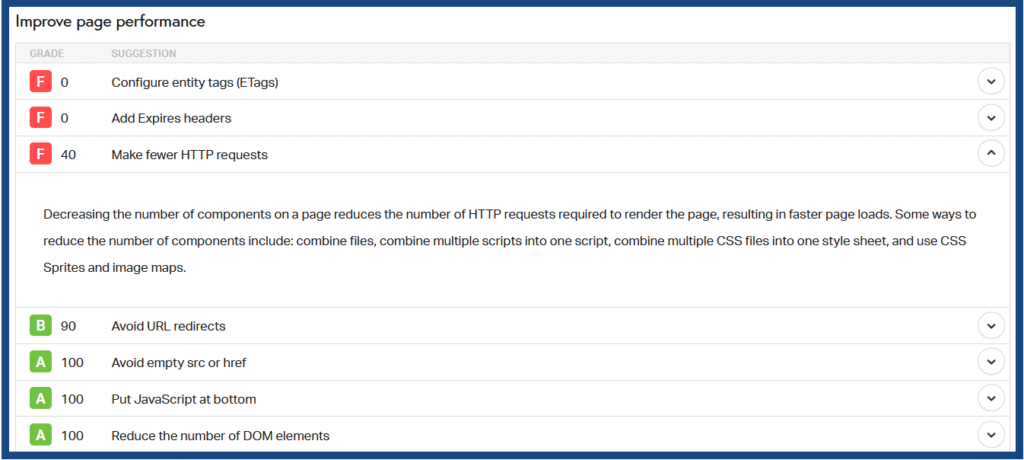
- Pingdom Tools – Gives you a simple interface with load time, page size, and detailed breakdowns
Submit your website’s URL and test to get immediate, practical insights.
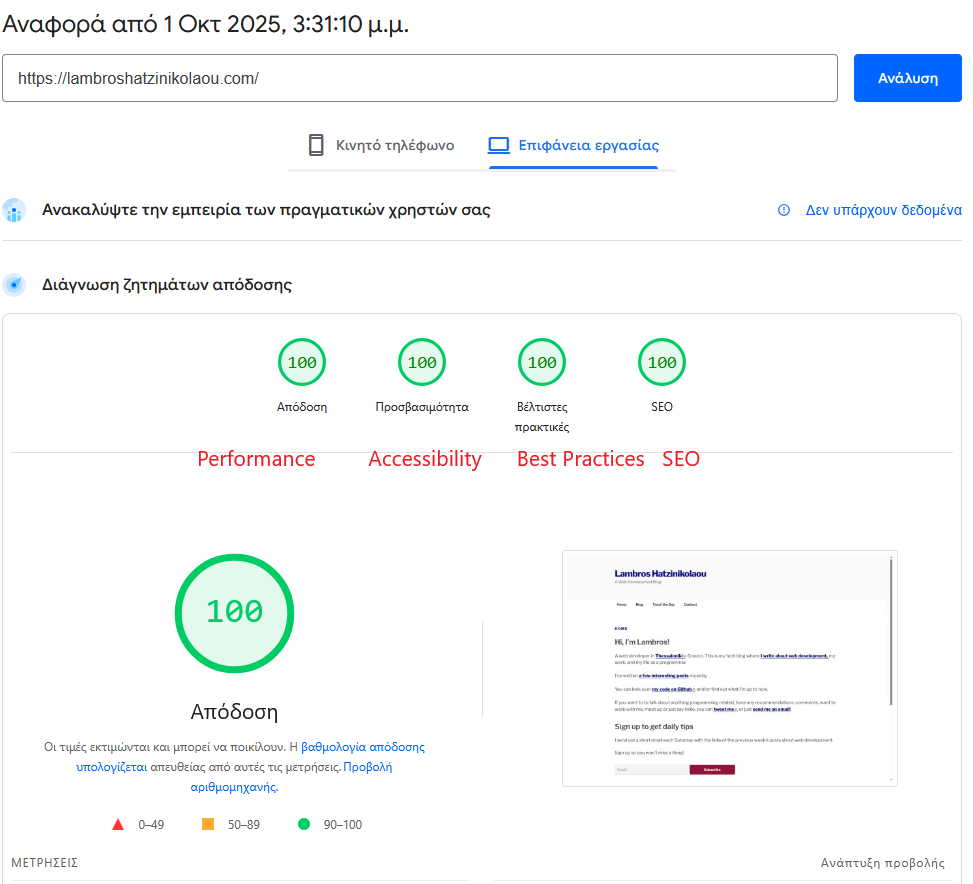
What to Look For in the Results
- Load Time – Aim for under 2–3 seconds
- Page Size – Keep it under 2MB if possible
- Number of Requests – Fewer requests equals faster pages
- Largest Contentful Paint (LCP) – Measures how fast your main content loads
- Recommendations – These tools indicate what to fix (like image optimization, caching, or script delays)
Final Thought
Speed helps you keep people on your site. If your site feels slow, it’s costing you traffic, SEO ranking, and trust.
The good news is that it’s easy to test, and beginners can achieve most improvements.
Check your speed today to see where you are. Then, start optimizing from there.