A 301 redirect is the equivalent of you moving to a new home but still getting your mail. That’s essentially what a 301 redirect does for your website. It forwards users (and search engines) from an old URL to a new one, without breaking the connection.
The “301” part is an HTTP status code. It tells browsers and crawlers, “This page has moved permanently.” Unlike temporary redirects (like 302), a 301 means the move isn’t going to change. With it you’re giving search engines the green light to update their indexes.
It essentially dictates to browsers:
“Don’t bother checking this old URL anymore. It’s never coming back. Update your records to the new URL.”
A browser caches the redirect after its first visit. From then on, it remembers the new location.
When a visitor tries to access your old URL, the server responds with a 301 status code, instantly sending them to the new destination.
To the user, it feels seamless. They click an old link, but the right page loads automatically. Behind the scenes, search engines take note and transfer the old page’s ranking power (often called link equity) to the new one.
When Should You Use a 301 Redirect?
You’ll want to use a 301 redirect any time you make a permanent change to your site’s structure. Some common cases include:
- Changing your domain name – e.g., from
myblog.nettomyblog.com. - Renaming URLs for SEO – like
yoursite.com/?p=847→yoursite.com/beginner-guide-wordpress. - Migrating from HTTP to HTTPS.
- Merging content – redirecting several outdated posts into a single, more complete article.
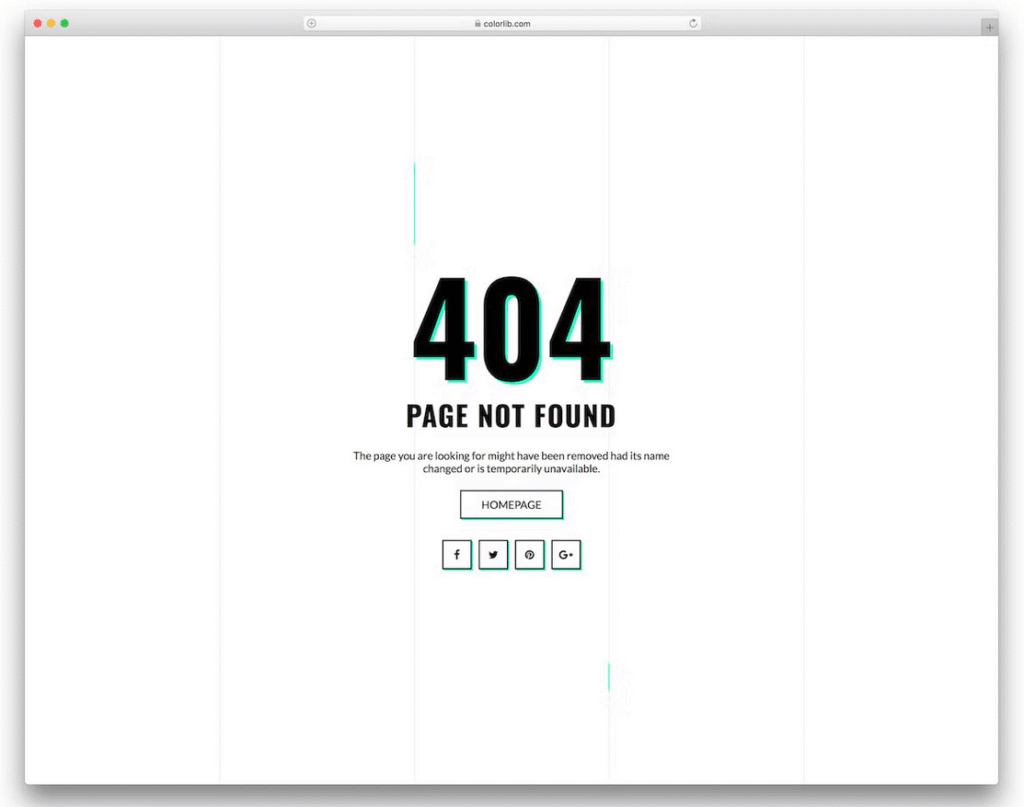
Each redirect helps preserve your visitors’ path and your site’s search ranking. Without it, people (and Google) would hit a 404 Not Found error, which is a surefire way to lose traffic and trust.
Why It Matters for SEO
A properly configured 301 redirect tells search engines that your old page has a new, permanent home. Most of its authority, that comes from backlinks, page rank, and relevance, transfers to the new URL. Over time, this helps your SEO remain stable during major site updates. A 302 (temporary redirect), on the other hand, doesn’t pass full ranking power, so using the correct one makes a real difference.
Final Thought
The 301 redirect keeps users happy, prevents broken links, and preserves hard-earned SEO value. Think of it as a forwarding address for your website. It is a simple yet powerful way to ensure your visitors always find their way home.