If WordPress themes were people, functions.php would be their brain that behind the scenes manages logic, behavior, and custom features, making each theme unique. While templates like header.php and single.php handle how your site looks, functions.php controls how it behaves.
What Exactly Is functions.php ?
Every WordPress theme can include a functions.php file. It’s written in PHP, and it runs automatically when your theme is active. In simple terms, it’s a place to add custom code that extends or modifies WordPress’s core functionality without touching the core files themselves.
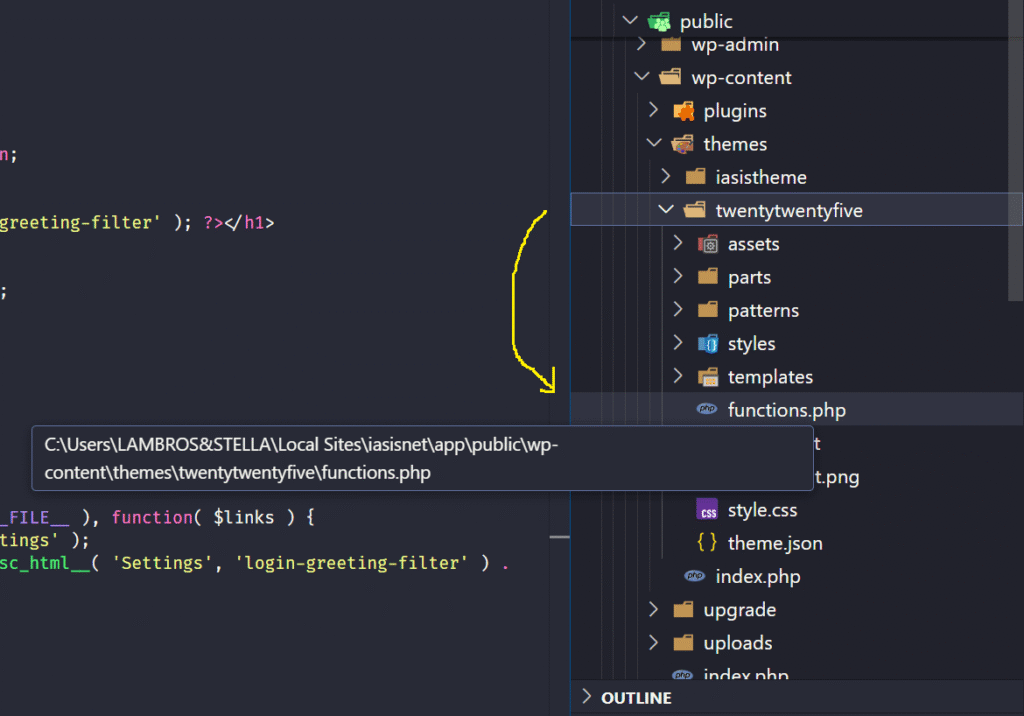
Think of it as your theme’s very own plugin. It is a sandbox where you can add features, or filters that only apply when that theme is active.
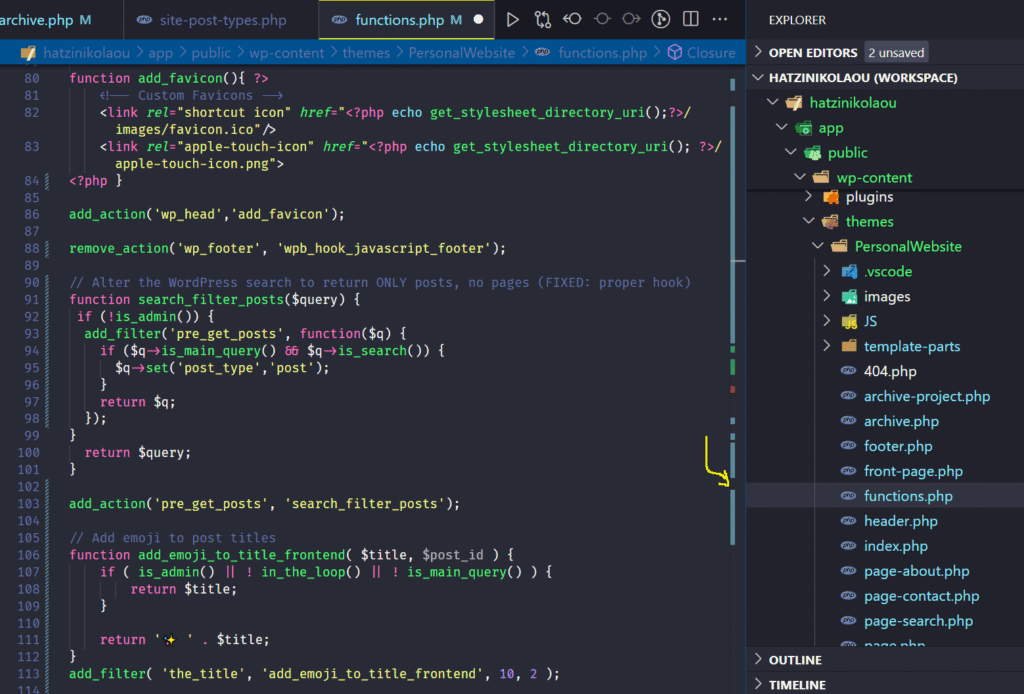
What You Can Do with It
Developers use functions.php for a variety of tasks, both simple and advanced. For example:
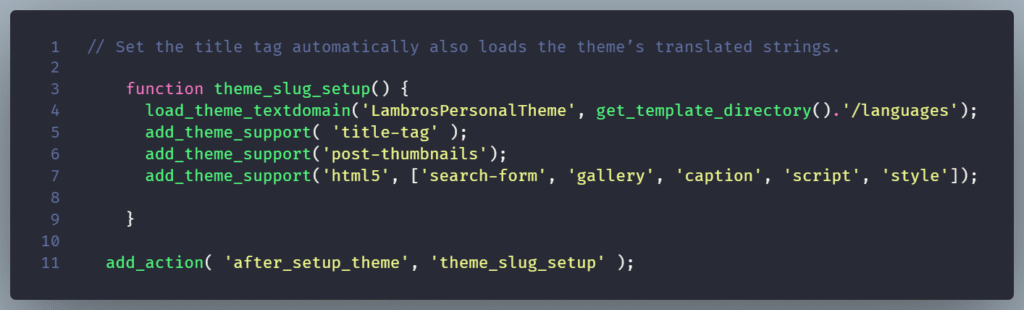
- Add theme support for features like featured images, custom logos, or post formats:
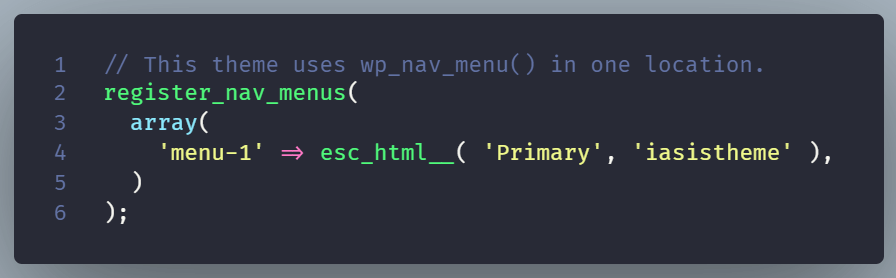
- Register menus or widget areas:
- Enqueue scripts and styles:

- Create custom shortcodes or filters that enhance your site’s flexibility.
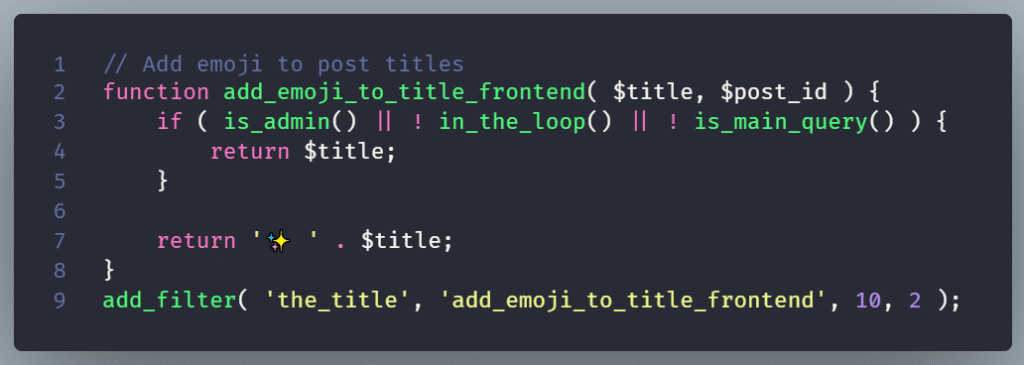
- Include third-party libraries or load custom PHP files for better organization.

When to Use functions.php (and When Not To)
If you’re making changes that belong specifically to your theme’s design orstructure, functions.php is perfect. But if you’re adding features that should persist across theme changes , like custom post types or analytics tracking, it’s better to use an MU-plugin instead.
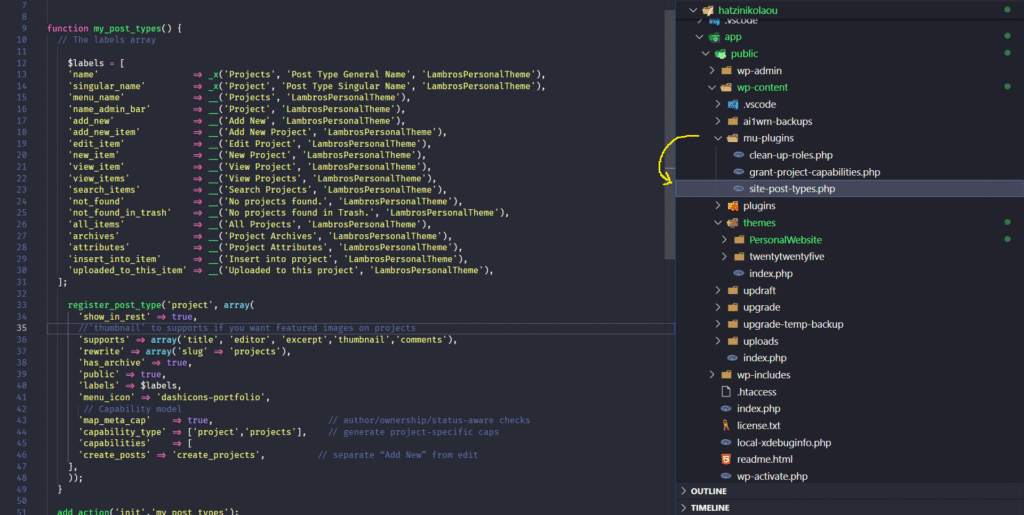
Rule of Thumb: If the functionality is part of the theme’s identity, put it infunctions.php.
If it’s part of your site, build it as a plugin.
Wrapping Up
functions.php is where developers make WordPress themes smarter by adding hooks, loading assets, and shaping how the site behaves behind the scenes.
For beginners, it’s often the first safe place to experiment with code. It’s a powerful file that transforms a basic theme.