PowerShell is a powerful tool developed by Microsoft.
It functions as both a shell and a scripting language.
What is a Shell?
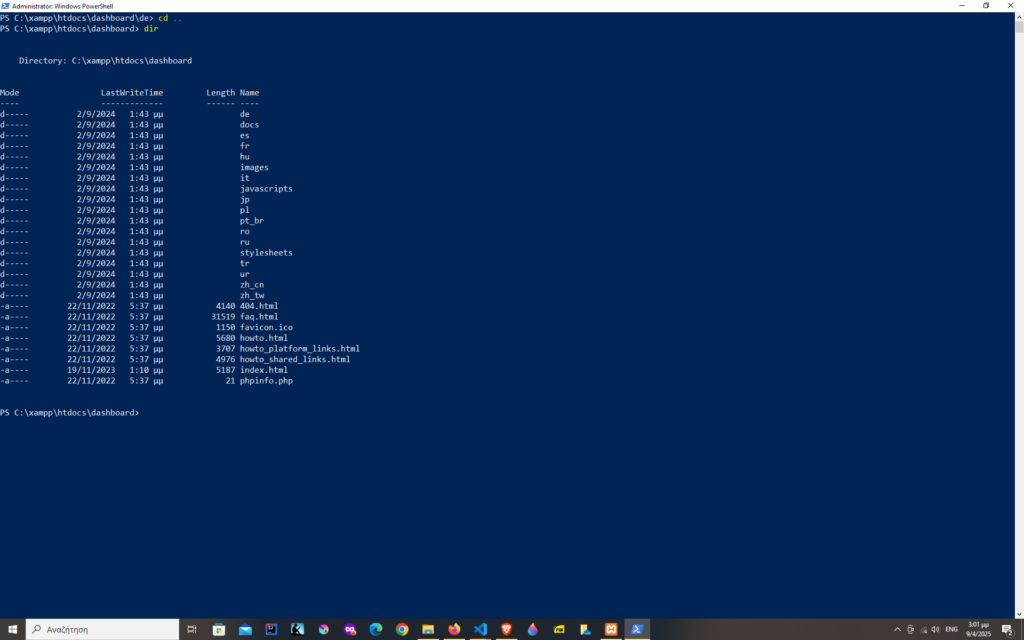
A shell is a program that runs user commands.
It’s an environment for running programs and scripts, including features such as variables, control flow, and command history.
What is a scripting language?
Scripting languages are a distinct type of programming language.
Unlike compiled languages, scripting languages interpret each instruction as the program runs.
JavaScript and PHP, the basic pillars of web development, are scripting languages.
PowerShell is also a scripting language.
What do we need PowerShell for?
PowerShell enables us to interact with the operating system (it’s cross-platform with PowerShell 7+), to retrieve information, and automate tasks.
Thanks to PowerShell, we can automate things.
Instead of having to click ten times in a row in order to retrieve some data, or install some software, we can do it with a one-line script.
For developers who often work with Windows or build automation workflows, PowerShell provides significant gains in efficiency.
Examples of PowerShell usages
PowerShell is great for tasks like connecting to MySQL data, downloading or importing data etc.
We can for example import 1000 users from a csv file into our database with just a line of code.
It is also great for quick and easy installation of software.
Installing Composer localy becomes easy by just running a couple of scripts.
First we download the installer script and then we install Composer:

Instead of running an executable file with a sequence of instructions, five or six tabs and clicks in a row, we just run two commands.
How to open PowerShell
Opening PowerShell is quite straightforward.
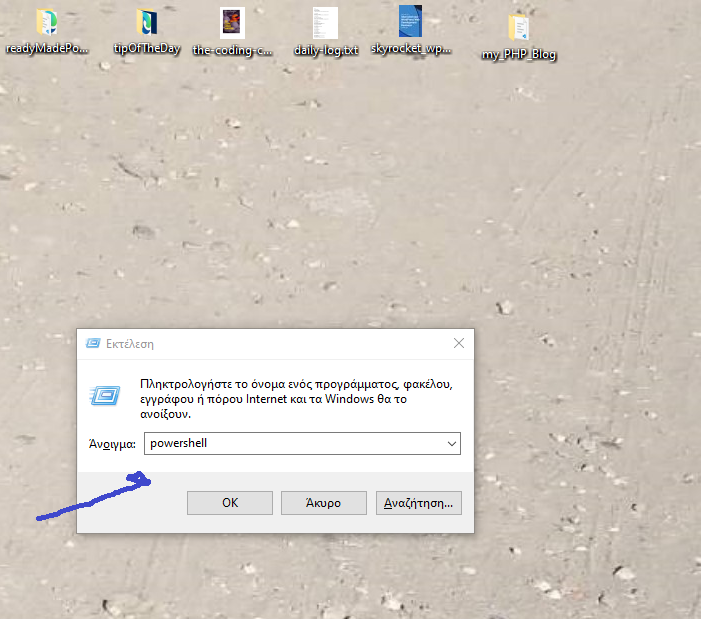
First, we open the Run dialog by pressing the Windows key + R.
Then in the Run dialog box, we enter “PowerShell”.
Finally, we press Ctrl+Shift+Enter to launch the program with administrator rights.
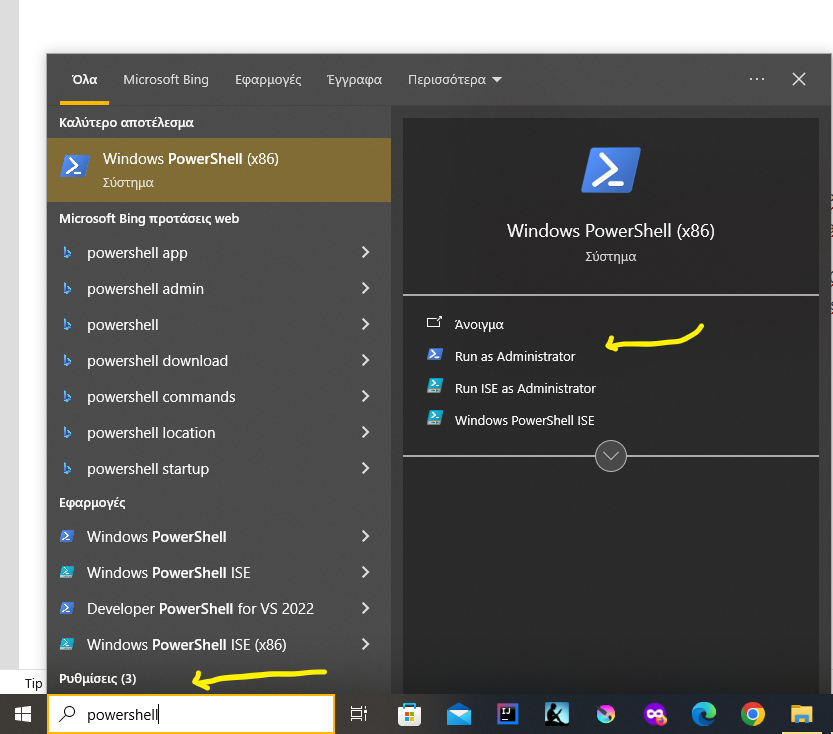
Another way is to use the Windows Search Box.
We can choose to run it as admin.
Summary
Although web developers don’t need to master PowerShell, basic familiarity offers advantages, particularly for those developers that work in Windows environments.
PowerShell can tie together different tools (e.g., Git, Node.js, and Composer) through scripts, making it easier to integrate various parts of our development workflow.