You’ve increased the z-index up to 9999, but your element still hides behind something else! z-index issues like this drive developers crazy because they seem to defy logic. But there’s always a reason.
Let’s break it down.
The Position Property: Your First Suspect
z-index controls the stack order of elements. Who sits on top of whom.
But the thing is that z-index only works on positioned elements. If your element uses the default position: static, z-index does absolutely nothing.
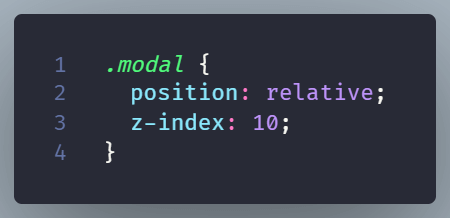
Adding position: relative is often the magic fix. It doesn’t move your element but creates a new stacking context. It is like giving your element permission to play the z-index game.
Stacking Context: The Hidden Rules
Sometimes, z-index doesn’t work even when you do set a position. That’s because of stacking context.
Stacking contexts are invisible containers that group elements together. When elements live in different stacking contexts, they follow different rules entirely. Your element with z-index: 9999 might lose to another element with z-index: 1 if they’re in separate contexts.
New stacking contexts are created by elements with certain CSS properties—like transform, opacity < 1, or filter.
For example:
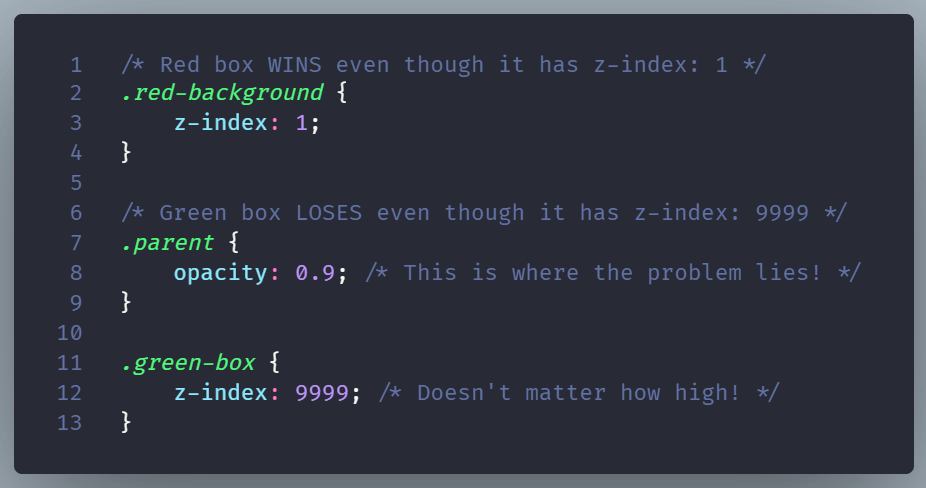
When a parent has opacity less than 1, it creates a new stacking context. The child’s z-index now only competes with siblings inside that context. It can’t escape to compete with elements outside, regardless of how high the z-index is.
The result is not what you’d expect:
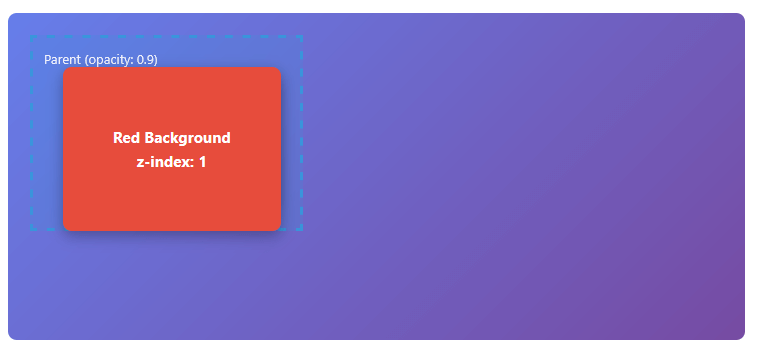
The fix is to remove opacity from parent:
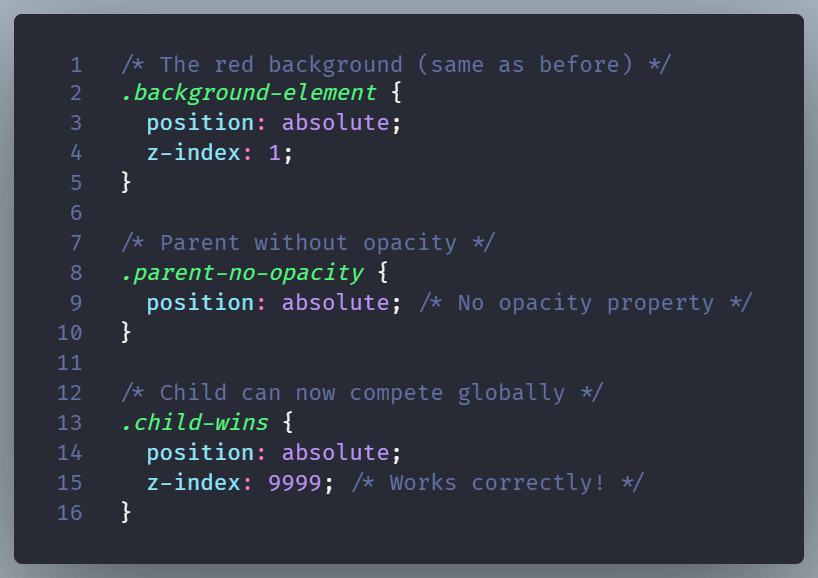
The result now is what we initially expected:

In general, to escape z-index buggy behaviour, you may need to:
- Promote the stacking context intentionally (e.g. move the element to a higher DOM level)
- Restructure your layout for clarity
Final Thought
If z-index isn’t working, don’t just keep raising the number. Step back. Ask: Is this element even in the same stacking game? Once you understand the rules, you’ll fix the problem faster—and write cleaner, more predictable CSS in the process.