We have already talked about how to fix broken links. But fixing broken backlinks (links from other websites pointing to your site) is a key part of maintaining healthy SEO that we are going to look at here.
When those backlinks break, you lose valuable traffic and ranking power.
How to Fix Broken Backlinks
Here’s how to identify and fix them effectively, even if you’re new to the process.
Understand What “Broken Backlinks” Are
A broken backlink happens when another site links to a page on your website that no longer exists, has been moved, or returns an error (like a 404). The link still lives on the referring site, but when users or search engines follow it, they hit a dead end.
These broken backlinks waste link equity. This is the SEO value passed through that link. In short, every broken backlink is a missed opportunity.
Find the Broken Backlinks
You can’t fix what you don’t know exists. Luckily, several tools make it easy to spot them:
• Google Search Console: Under Links → Top Linking Sites, check which pages receive backlinks. Look for 404 errors in the Coverage report to find broken ones.
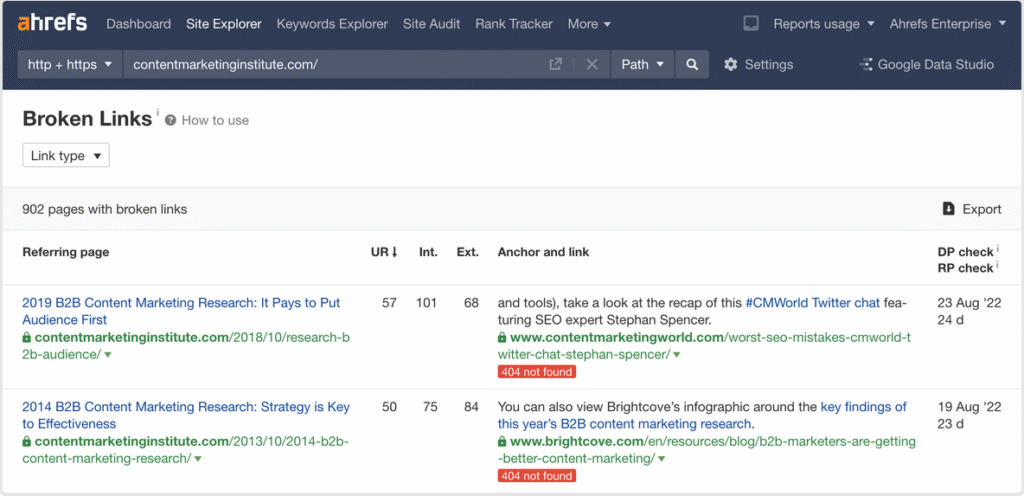
• Ahrefs, Semrush, or Moz: These tools offer “Broken Backlinks” reports showing the source URL, anchor text, and the broken destination on your site.
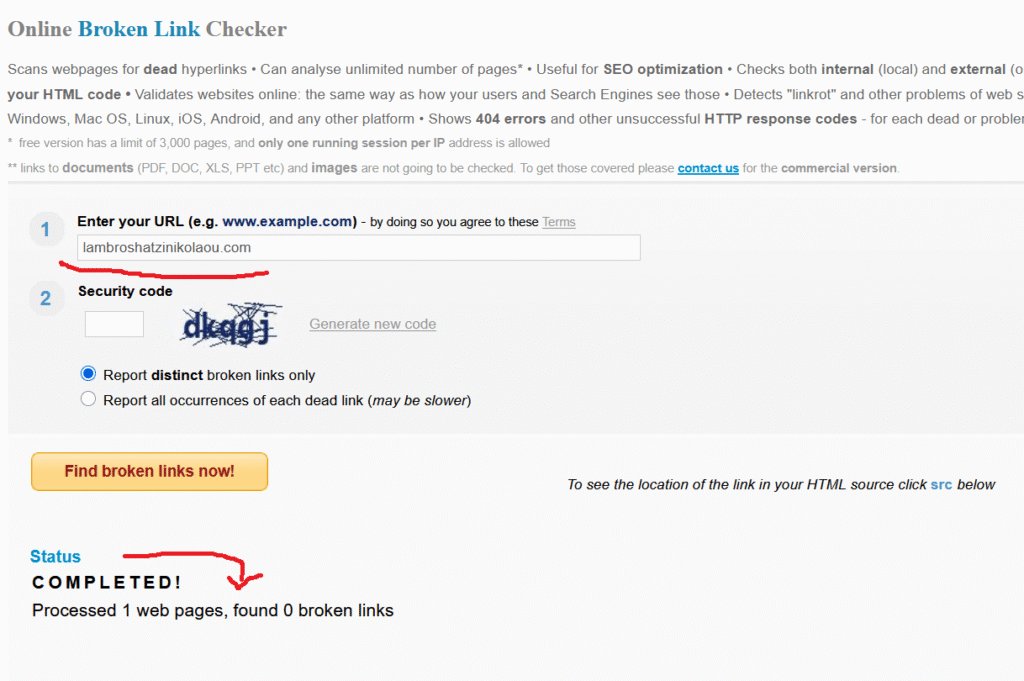
• Free tools: Services like BrokenLinkCheck.com or Dead Link Checker can also help for smaller sites.
Once identified, list the broken backlinks and prioritize those from high-authority websites which are the most valuable.
Fix Them the Right Way
Next comes the repair work.
Different situations demand suitable solutions:
•Option 1: Redirect the old URL (Recommended)
Use a 301 redirect to point the broken page to a new, relevant one. This preserves most of the SEO value and keeps users happy.
Example:/old-seo-guide → redirects to → /new-seo-guide
• Option 2: Recreate the missing content
If the deleted page was popular or heavily linked, consider restoring it or publishing a new version with similar information.
• Option 3: Ask the referring site to update the link
Reach out politely to the webmaster and provide the correct URL. Many site owners appreciate the notice since it also improves their user experience.
Prevent Future Breaks
To keep backlinks healthy long-term:
• Don’t change URLs for no important reason.
• If you must, always set up 301 redirects immediately.
• Periodically monitor backlinks with SEO tools or automatic alerts.
The Bottom Line
Fixing broken backlinks restores lost authority, improves user trust, and strengthens your SEO foundation.
Think of it as repairing bridges: each fixed link reconnects pathways that bring visitors and ranking power back to your site.