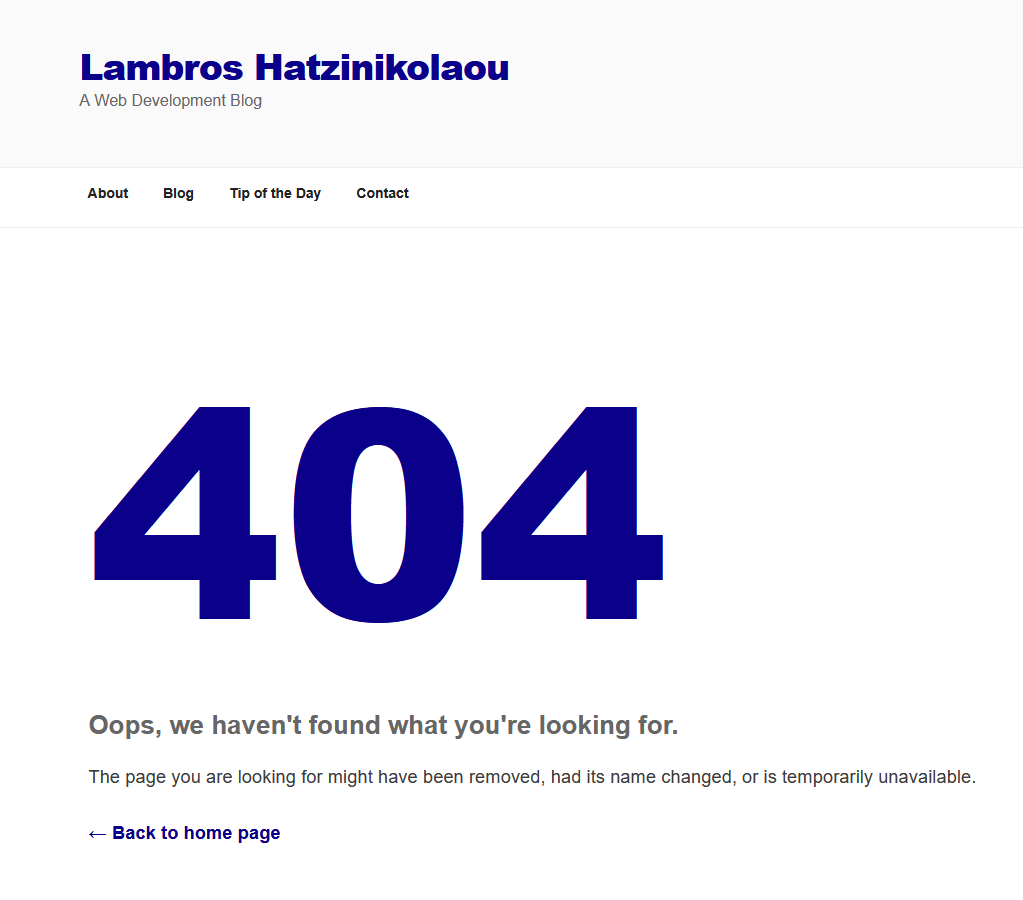
Few things frustrate website visitors more than clicking a link and landing on a “404 Page Not Found.” That’s what we call a broken link. It is a hyperlink that no longer leads to its intended page. Although seemingly harmless, When links are broken, they can slowly diminish trust, hurt your SEO, and make your site feel neglected.
Let’s examine what causes them and how you can fix them before they affect your site’s performance.
What Is a Broken Link?
A broken link (or dead link) is a URL that points to a page that no longer exists. It might happen because:
- The linked page was deleted or moved.
- There’s a typo in the URL.
- The linked website has changed its domain.
- The link leads to content that’s restricted or offline.
When browsers can’t find the target page, they show an error, which is usually a 404 Not Found. For users, it’s a dead end. For search engines, it’s a signal that your site may need maintenance.
Why You Should Care About Broken Links
Search engines crawl your site regularly. If they find too many broken links, it can affect how they evaluate your site’s quality. Users, too, are less likely to trust a site that makes them do circles.
In short, broken links make visitors want to leave your site instead of being more involved with it.
Keeping your site’s link structure clean is part of good digital hygiene. That is mainly just updating plugins or optimizing images.
How to Find Broken Links
Fortunately, you don’t need to hunt them manually. Tools make it easy:
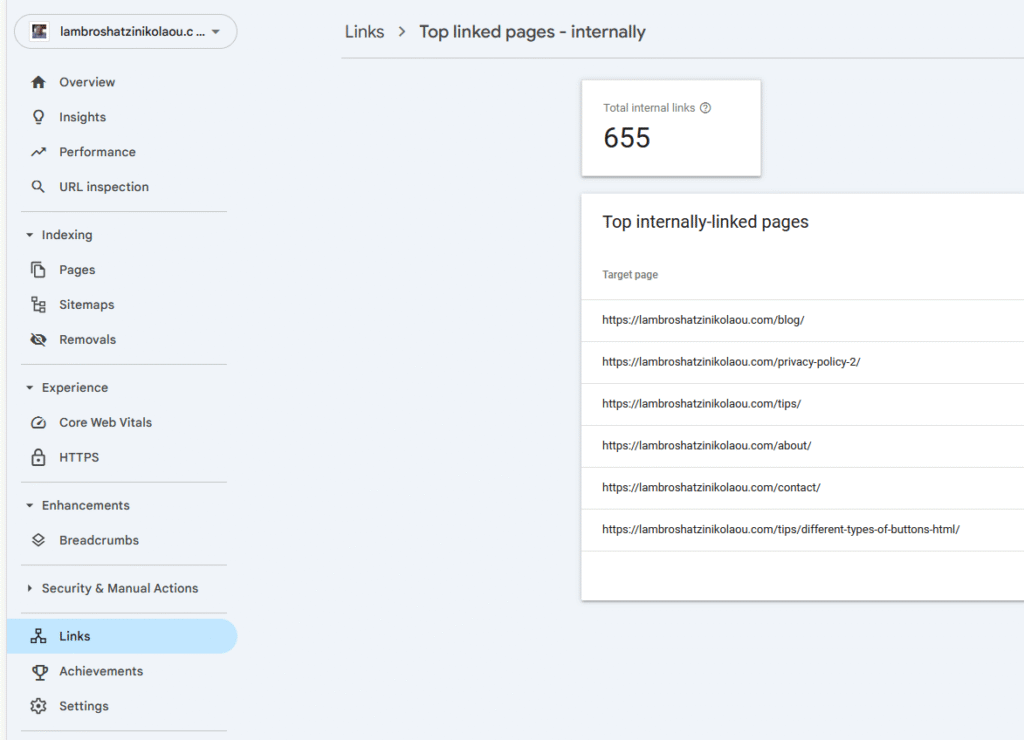
- Google Search Console: Lists crawl errors, including broken URLs.
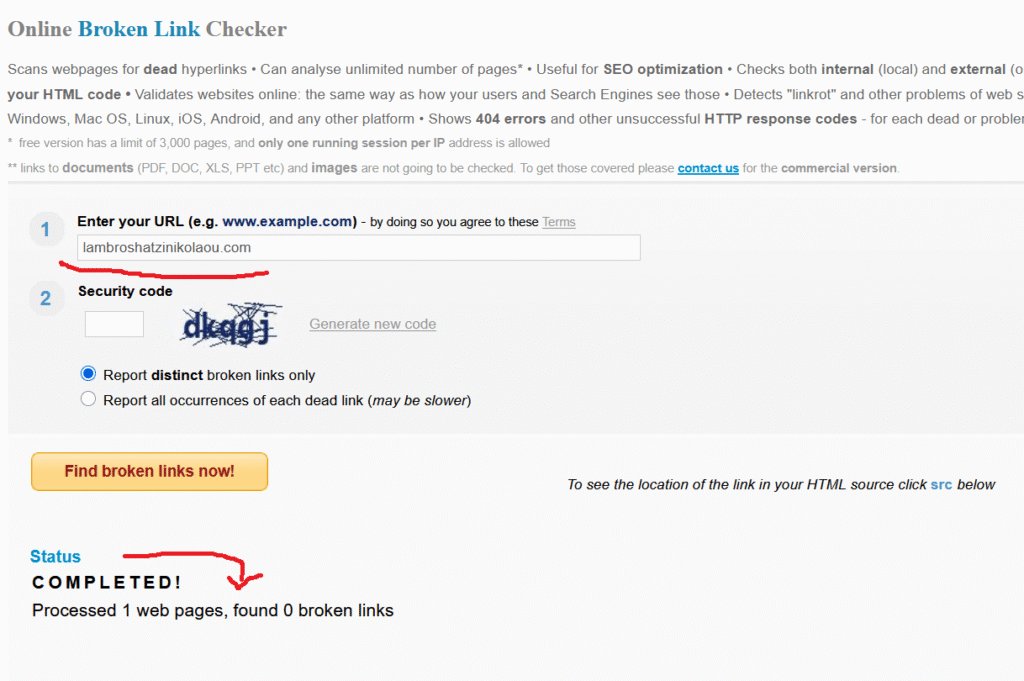
- Online Checkers: Try tools like BrokenLinkCheck.com or Dead Link Checker.
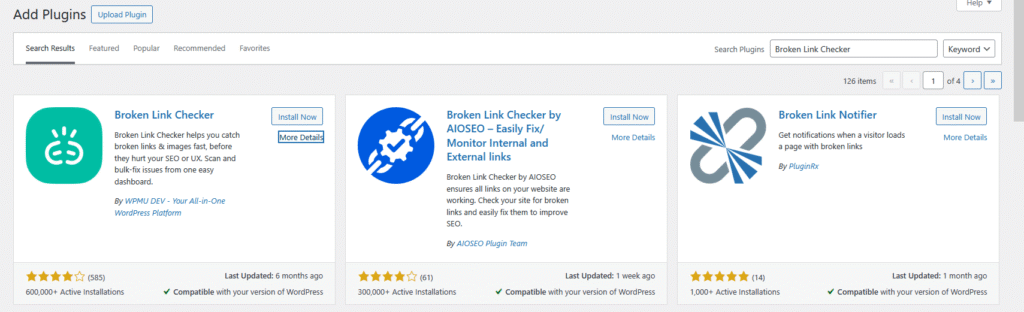
- WordPress Plugins: If your website is a WordPress CSM, plugins such as Broken Link Checker can scan your entire site and alert you automatically.
A quick scan once a month keeps you ahead of problems.
How to Fix Broken Links
Once you’ve identified broken links, you have several options:
- Update the URL if the page has moved to a new location.
- Remove the link if the content no longer exists or isn’t relevant.
- Redirect the old URL to a related page using a 301 redirect, so visitors (and search engines) are guided smoothly to the right place.
Fixing links is basic maintenance that improves both user experience and SEO.
Wrapping Up
A website without broken links feels well-maintained and trustworthy. It’s the difference between a path that leads somewhere and one that stops abruptly. Regularly checking for broken links keeps your site healthy, your visitors happy, and your rankings steady.