In CSS, you style not only individual HTML elements but also their relationships. That is the role of combinators.
Combinators direct the browser to style elements only if they meet specific contextual relationships.
What Are the Different Types of CSS Combinators?
Let’s examine the four main CSS combinator types and how to use them effectively in projects.
1. Descendant Combinator
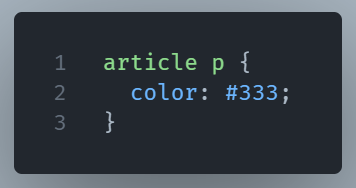
This selector means: “Target every <p> inside an <article>—no matter how deeply nested.” It doesn’t care if the <p> is a direct child, grandchild, or four levels deep. It just finds it.
2. Child Combinator (>)
This one only selects direct children.
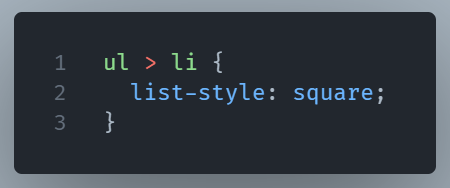
Here, only the first-level <li>s inside the <ul> get styled. If there are nested lists, those deeper <li>s won’t be touched.
This is useful when you need a rigid structure with complete control over hierarchy.
3. Adjacent Sibling Combinator (+)
This combinator selects the next element that’s a sibling of another.
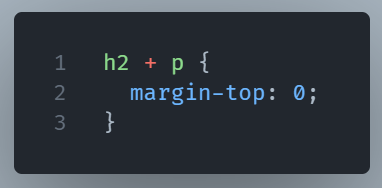
This says: “If a <p> comes right after an <h2>, remove the top margin.
4. General Sibling Combinator (~)
This is similar to an adjacent sibling, but less strict. It selects any subsequent sibling, not only the immediate one.
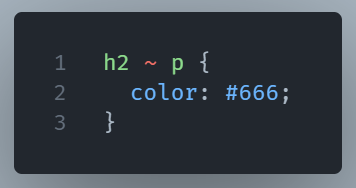
All <p>s after an <h2>—as long as they’re siblings—will get styled. Not just the first one.
So, When Do You Actually Use Each?
- Descendant: When you want broad targeting inside a container.
- Child: When you need precise structure control.
- Adjacent sibling: When spacing or visuals depend on element order.
- General sibling: When one element needs to affect others nearby.
Understanding these can seriously clean up your CSS. You write less, target smarter, and avoid using too many classes just to get your styling across.