Lists collect things—numbers, strings, objects—and store them in a single, ordered structure you can manage with ease.
Because they are so adaptable, developers trust these containers for tasks that demand the ability to adjust to changing needs.
A Quick Look at What Makes Lists Effective
You create a list like this:

It is as simple as that. It is a dynamic and mutable data structure. “Mutable” means you can change it any time. Add items or remove items or even eplace something that’s no longer needed.
Python also has a constructor function for creating a list.
It’s simply the built-in list() function:
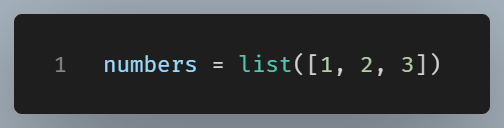
Both produce the same result, but the constructor becomes more useful when converting other iterable types into lists.
Converting to a list with list()
From a string:
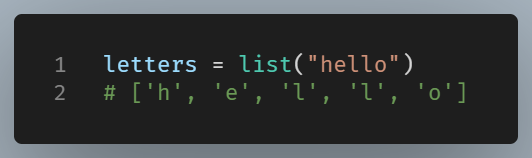
We can convert tuples, sets, and other iterables.
Why Lists Are Important
Lists are ordered. That means items stay in a specific sequence, and you can access any item by its index. Indexing begins at zero — as in all languages. Want the first fruit? Access fruits[0]. If you need the last try fruits[-1], which uses Python’s handy negative indexing.
In many languages, you must decide the size of your container up front. Python is more flexible, when you append a new item, the list expands. Behind the scenes, memory gets reallocated, but Python manages all these changes so you never think about them.
Working With Lists Day-to-Day
Developers reach for a list when they need an ordered, changeable collection. For example, you might collect user input, read rows from a file, or store the results of repeated calculations. Once the list is populated, you can loop through it, transform values, or sort it in place.
Common operations
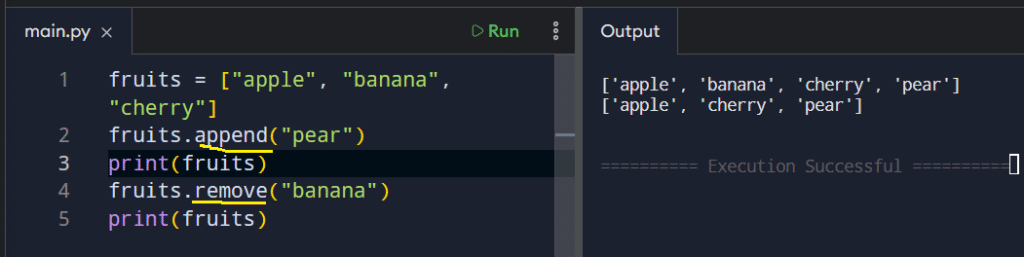
Appending and removing items
Common operations include appending and removing items from a list. We use the append() and remove() methods respectively:
Checking if item exists
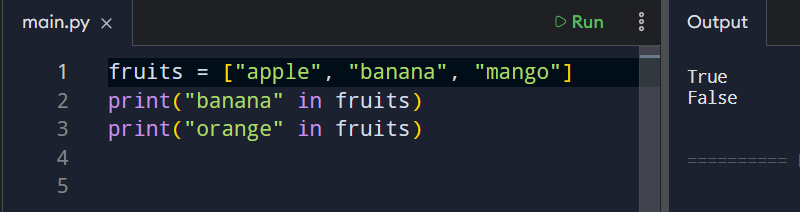
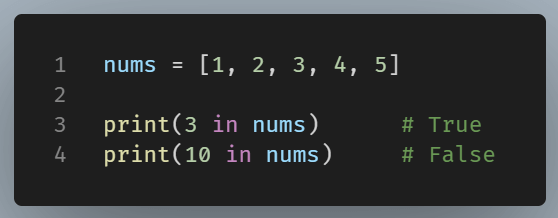
To check whether an element exists inside a list in Python, you use the in operator.
It’s simple, fast, and very readable.
Using not in for the opposite
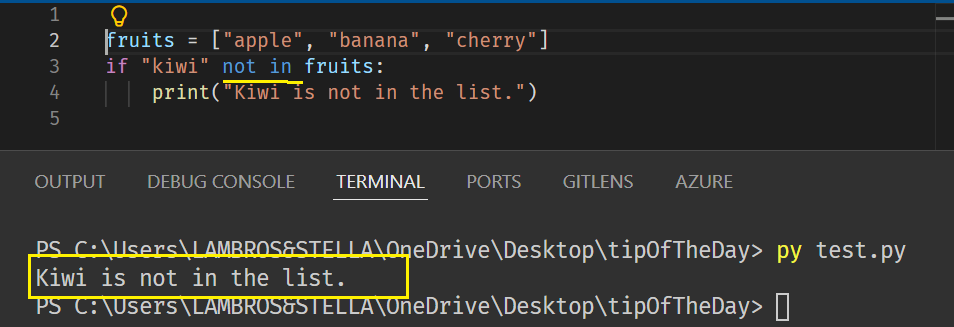
Checking inside lists of numbers
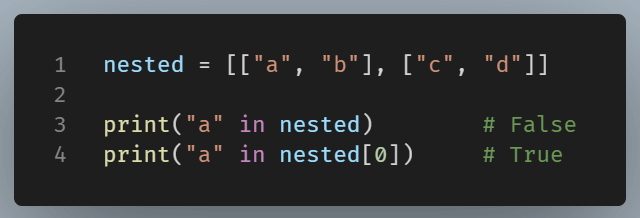
Checking inside nested lists (one level deep)
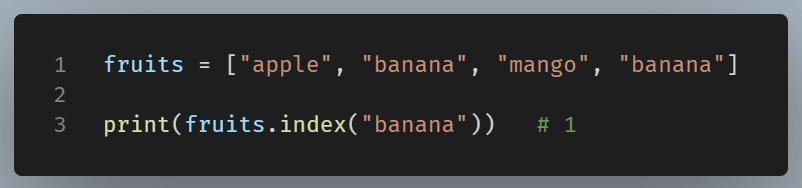
Finding the Index of an Item
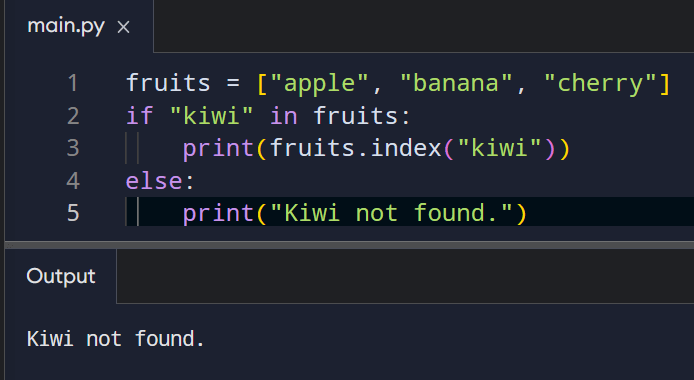
Using the .index() method, we can find the index of an item. This method returns the position of the first matching element.
If the item isn’t found, Python raises a ValueError.
To avoid errors, it’s common to check membership first:
Counting How Many Times an Item Appears
For this, we use the .count() method.
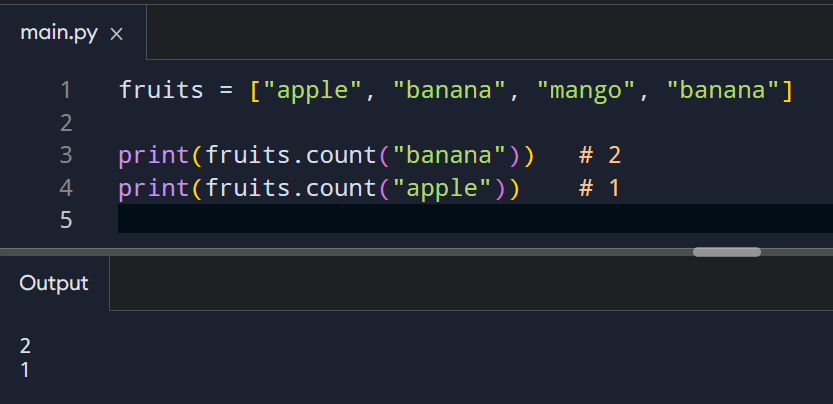
This is especially useful in lists that allow duplicates.
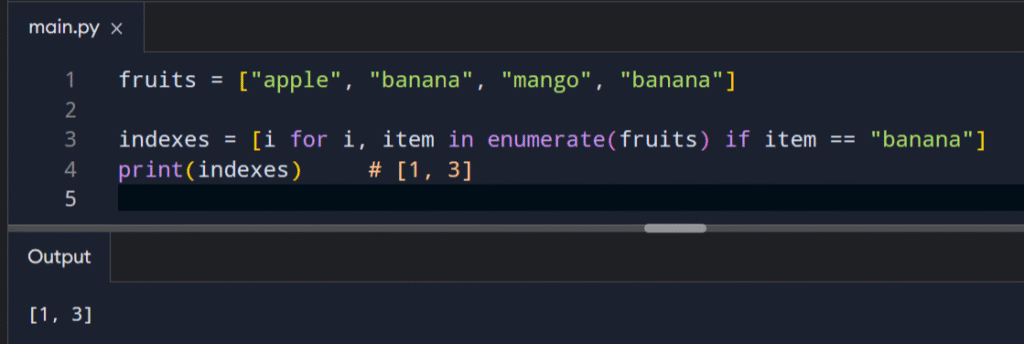
Finding All Positions of an Item
If you want more than the first index, use a list comprehension:
We have seen how versatile lists are so far. And that’s only the tip of the iceberg. We can access portions of a list, filter a list, or assign items of a list to multiple variables in a single line (unpacking).
Bringing It All Together
For beginners, using lists is a straightforward and accessible method to begin. They are reliable, allow for complex operations, and are commonly found in real-world projects.
By understanding their basic operations, we can build a foundation for developing more advanced structures like sets, tuples, and dictionaries.