When you publish a post or page in WordPress, it needs an address. This is a unique URL that never changes. That’s a permalink. It’s an abbreviation for “permanent link” and it’s what visitors and search engines use to reach your content.
At first glance, a permalink might look simple:
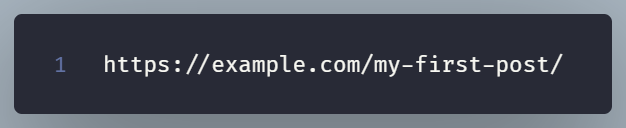
The permalink structure determines how WordPress builds those URLs across your site. And it’s not just about aesthetics but it also affects SEO, user experience, and even how easy it is to share or remember your links.
Understanding Permalink Structure
By default, WordPress might give you something like: https://example.com/?p=123
That permalink is valid but not optimal since it is not user friendly.
A cleaner option—like /blog/healthy-smoothie-tips/—tells both people and search engines what your content is about.
You can control this pattern using variables such as:
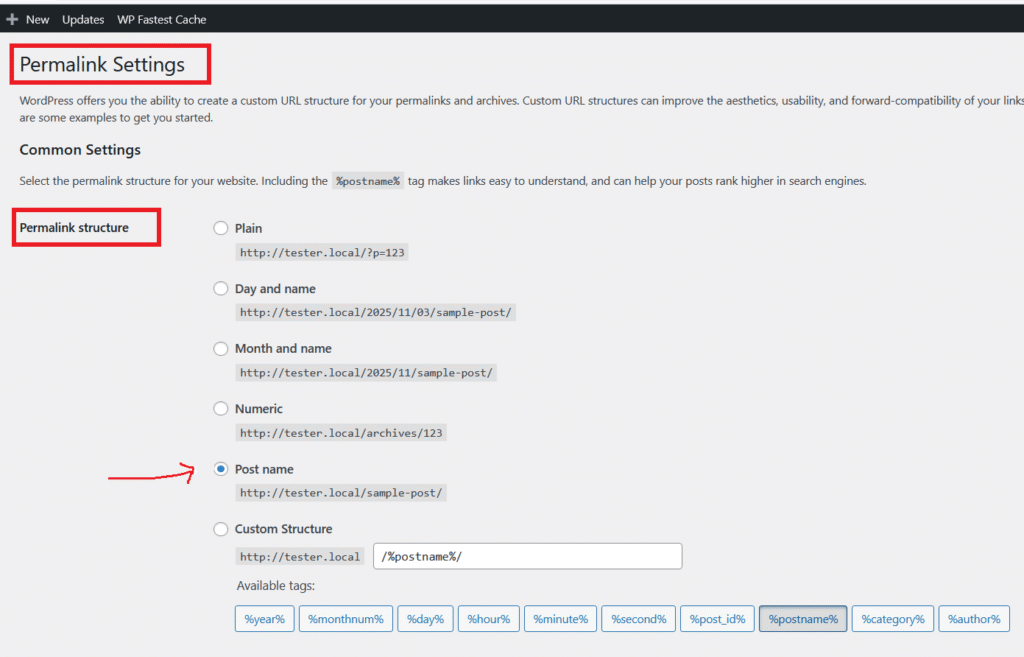
%postname%— uses your post’s slug (most common choice)%category%— includes the post’s category%year%or%monthnum%— adds the date for time-based content
Customizing Your Permalink Settings
To tweak your permalinks, head to Settings → Permalinks in your WordPress dashboard. There, you’ll see a few common presets like “Plain,” “Day and name,” or “Post name.”
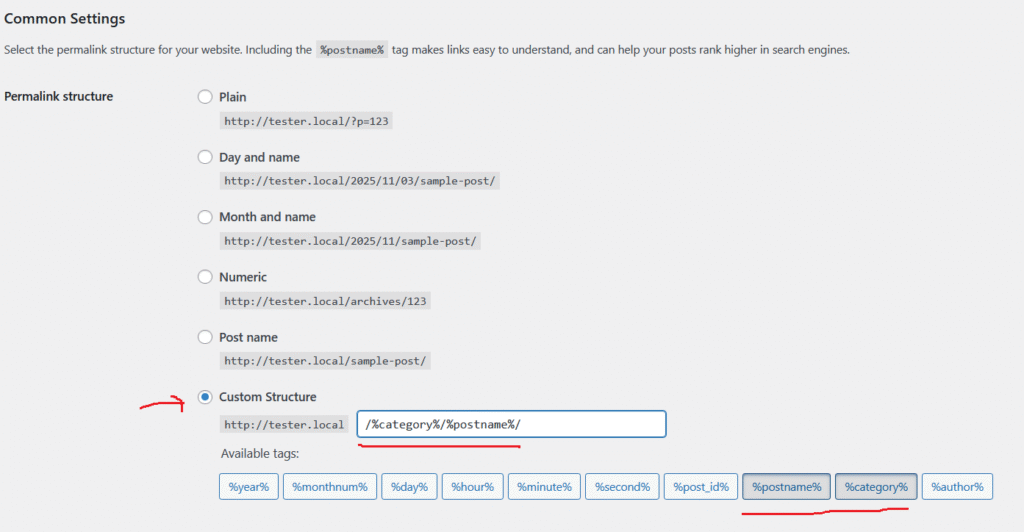
You can also build your own. For instance, /blog/%category%/%postname%/ works great for multi-topic blogs.
Why Permalinks are Important
A clear, consistent permalink structure helps with:
- SEO — keywords in URLs make search engines happy.
- Usability — visitors can instantly see what the page is about.
- Maintenance — easy-to-read URLs are simpler to manage long-term.
Conclusion
Your permalink structure isn’t something you can’t change , but getting it right early saves time and headaches later.
Keep it readable and logical. A well-structured URL is like a good signboard that quietly guides users exactly where they need to go.