In JavaScript, a comment is a line (or block) of text in your code that JavaScript ignores. Comments exist solely for you and other developers to read; they don’t affect program execution. Consider them to be like useful annotations within your code.
Two Ways to Write Comments
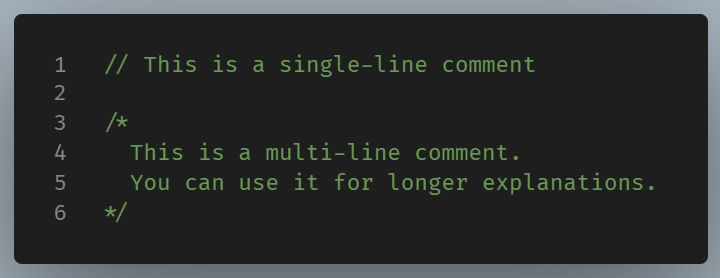
There are two main types of comments in JavaScript:
- Use
//for short notes or reminders. - Use
/* */for longer explanations or to temporarily disable sections of code.
Why Comments Matter
Comments help you understand your own code when you come back to it weeks or months later. They also help other developers follow your thinking.
Good reasons to add a comment include:
- Explaining why something works a certain way (not just what it does)
- Describing a complex block of logic
- Labeling sections for clarity
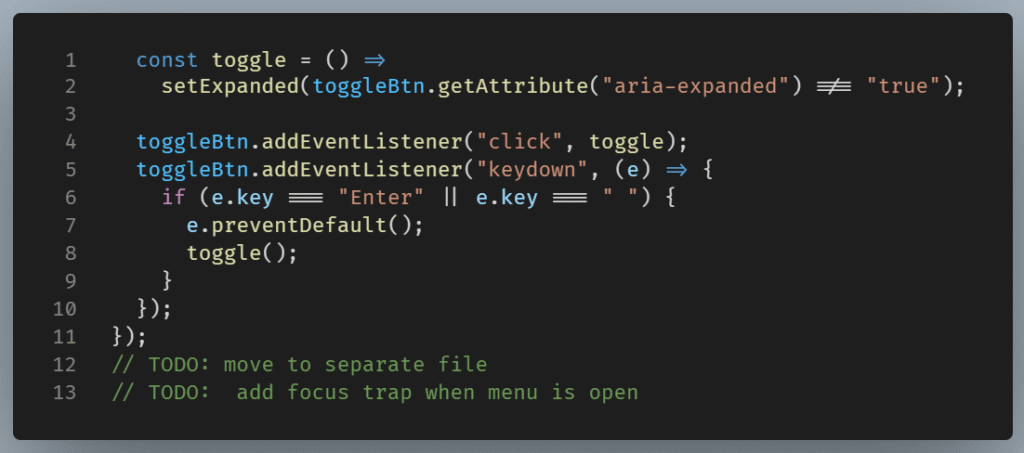
- Leaving a reminder or TODO for future work
Example:
A Word of Caution
Don’t overdo it. If your code is clear and self-explanatory, you might not need a comment at all. Sometimes, writing better variable or function names is more useful than explaining them with comments.
In Summary
Comments in JavaScript are small tools that make a big difference. They don’t affect program execution, but they improve code readability and maintainability. Use them to clarify your intentions, mark your logic, and guide both yourself and others through your codebase.