If you’re just getting into web development or web design, terms like wireframe and mock-up probably sound interchangeable. They both show what a page looks like before it’s built. So what’s the big deal?
Actually, the difference matters because each plays a unique role in the design process—and helps you, as a developer, understand what to build and how much detail to expect.
Wireframes: structure without visual polish
A wireframe is like a skeleton. It shows the basic structure of a page.
You’ll usually see:
- Gray boxes representing images or components
- Placeholder text (like “Lorem ipsum”)
- Basic outlines of buttons or sections
This is just layout; no colors, typography, or branding.
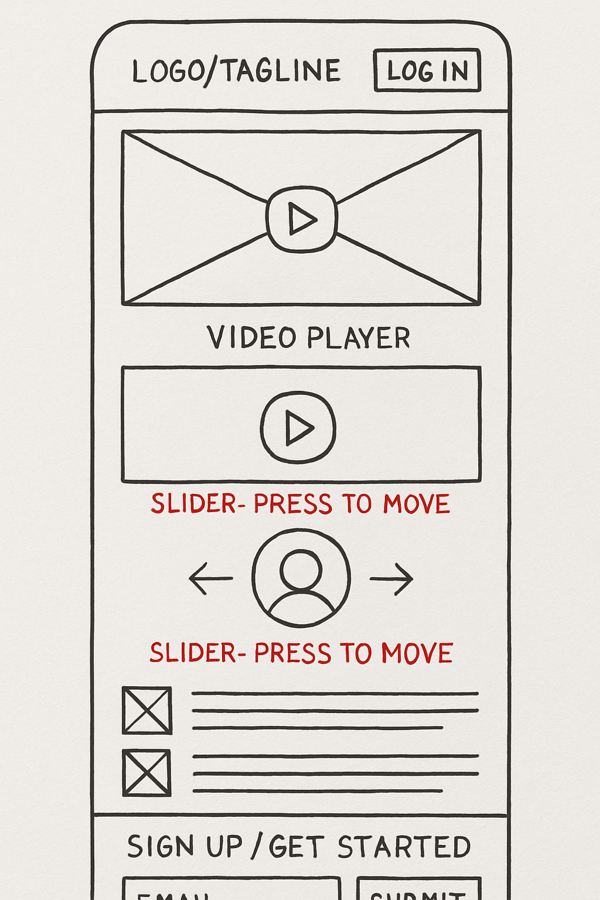
Wireframes help teams agree on function before worrying about form. And for developers, they’re a good starting point for planning architecture or content flow.
Mock-Ups: design starts to get real
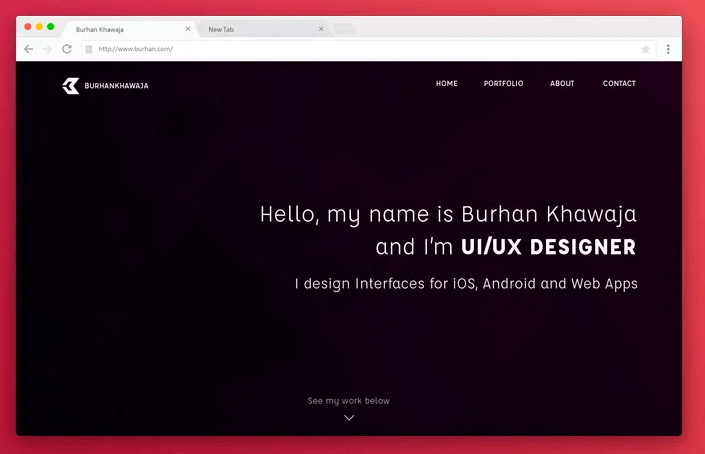
A mock-up is a static, high-fidelity design. It looks much closer to the final product, often with:
- Actual content
- Fonts, colors, and branding
- Well designed UI elements
It’s still not interactive (that’s what prototypes are for), but it gives a strong sense of what the user will see. Developers rely on mock-ups to implement visual styles, align with design systems, and spot any complex UI needs.
So which one comes first?
Always the flow is: wireframe → mock–up → prototype → build.
Each stage adds more detail. And knowing where you are in that process helps you avoid overbuilding too early or misinterpreting what’s just a rough sketch as a final design.