JavaScript offers two simple methods for DOM element removal.
Below are these methods with examples.
The remove() method
Using the remove() method, we can remove the element from the DOM.
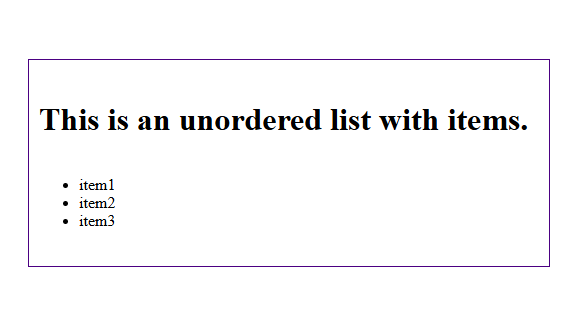
Let’s say we have an unordered list with three items.
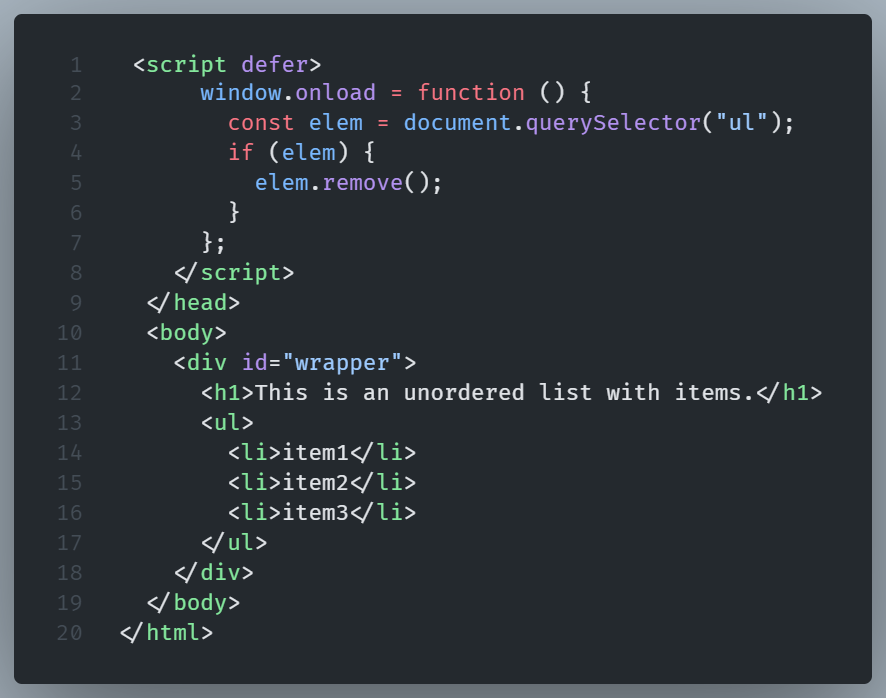
We can remove it with the use of the remove() method.
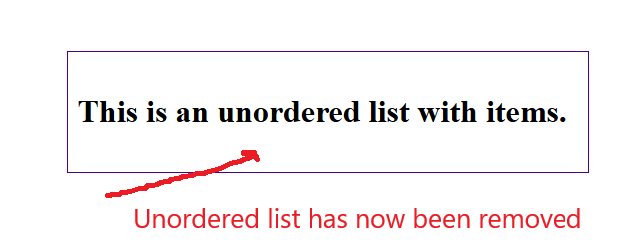
And the unordered list has now been removed.
The removeChild() method
The DOM’s removeChild() method, deletes a child node, returning the deleted node.
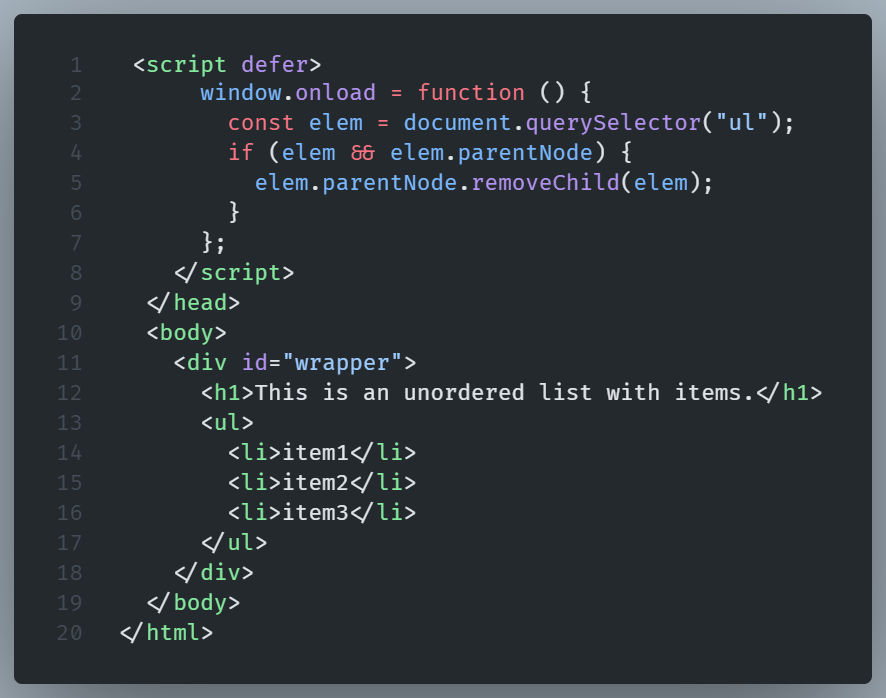
In the previous example, we removed the DOM element (ul) without specifying its parent node.
This is handy when we don’t know the parent node.
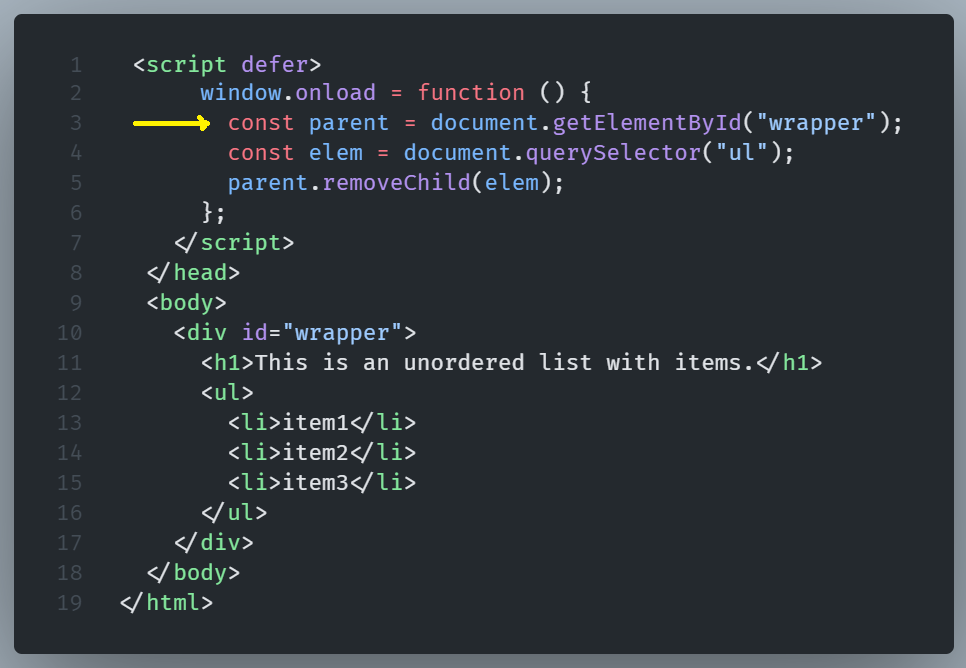
In our case, we know it, thus we have the option to use this method by specifying the parent node.
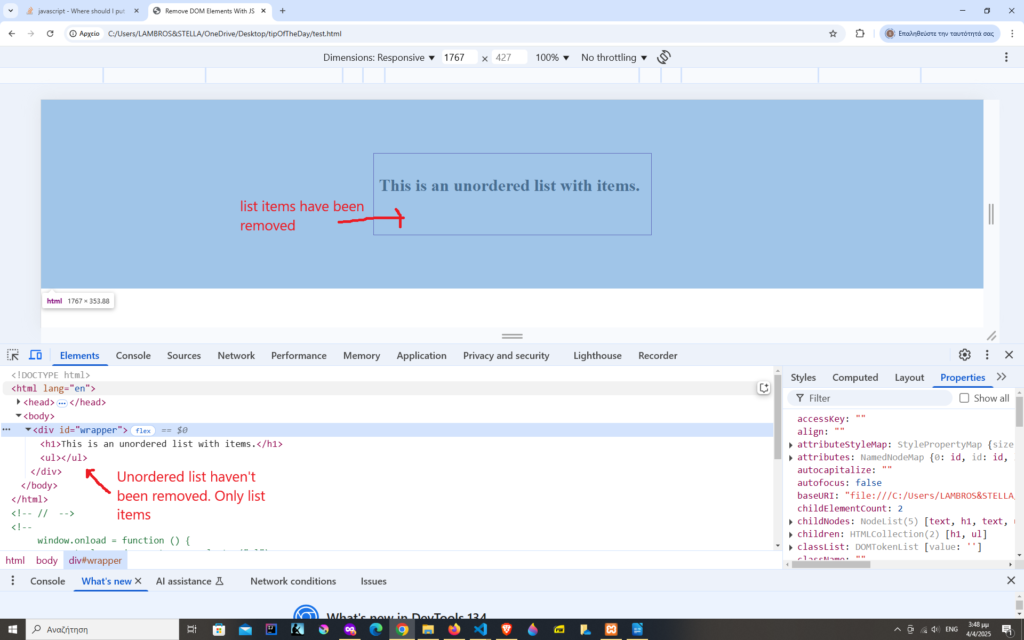
Suppose we want to use more than one children from an element.
In our case we want to remove all the li items from the unordered list.
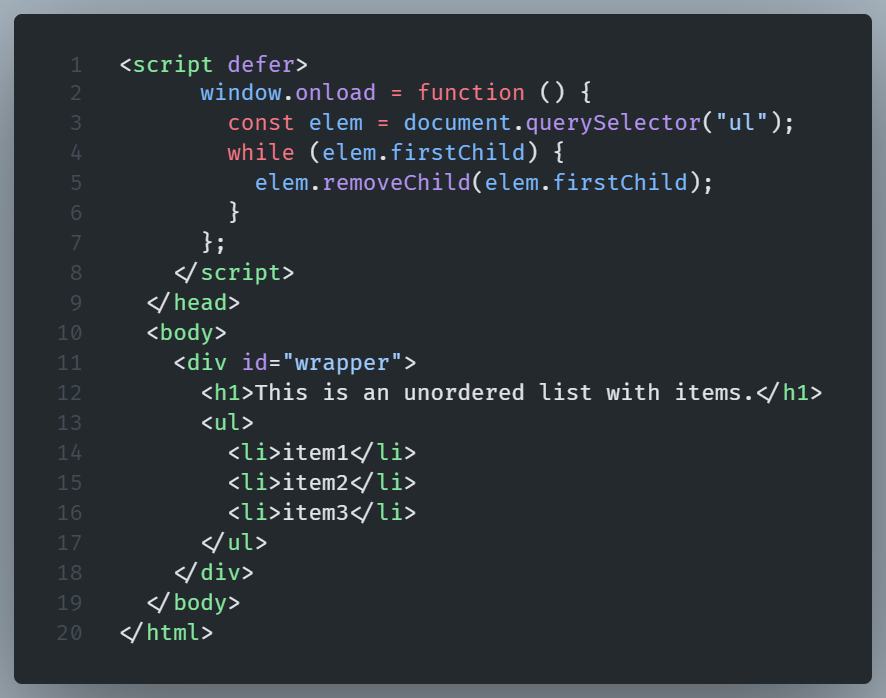
By using a while loop we are able to remove more than one child nodes from a parent node.
The parent node stays intact.
In our example we used the ul as the parent node, removing the li items.